⋆。 °✩ ࿔*:⋆。𖦹°‧ ✩ °゚º❍。 ⋆。 °✩
⋆。 °✩ ࿔*:⋆。𖦹°‧ ✩ °゚º❍。 ⋆。 °✩
⋆.ೃ࿔*:・ ଳ⋆.࿔*:・
🫧 Download Extension 🫧⋆.ೃ࿔*:・ ଳ⋆.࿔*:・
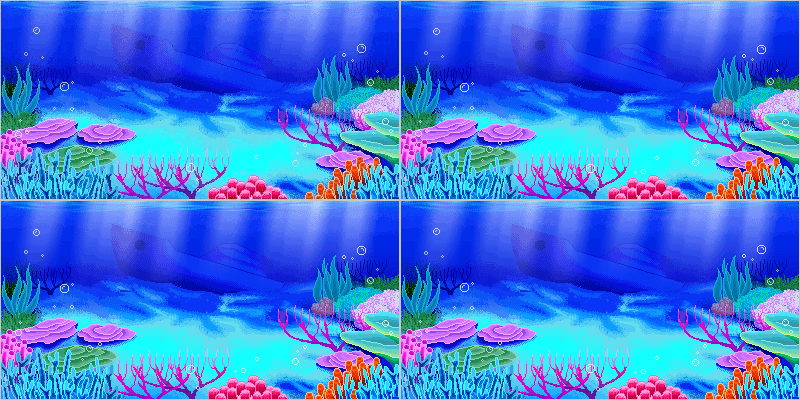
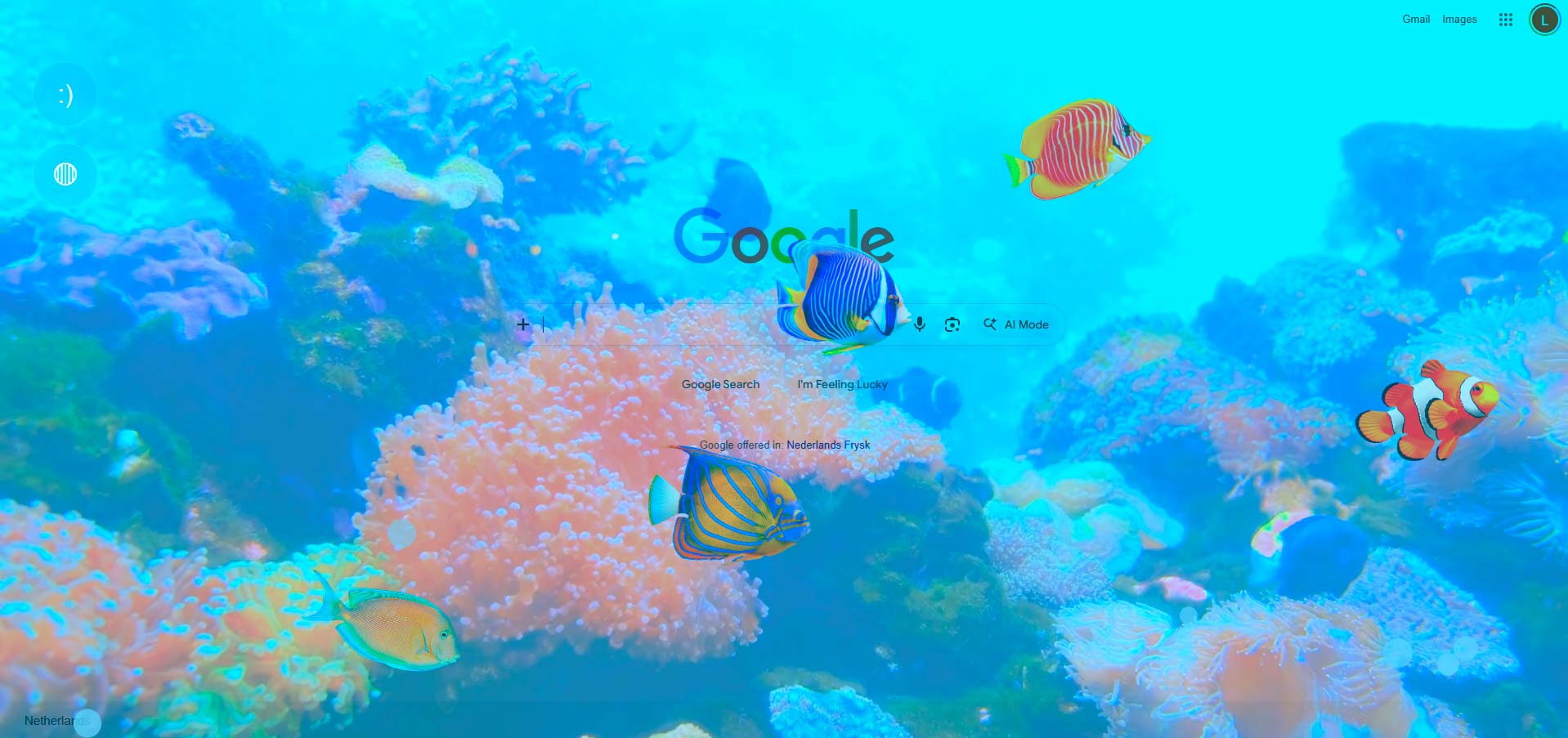
🪼This extention dives into an immersive 2000s frutiger aero underwater world. Every time you open your browser the Ocean Extension transforms any webpage into a nostalgic coral reef. With tropical fish swimming across the screen, rising bubbles, ambient sound, and a coral video backdrop that blends into the page. The deeper you scroll, the darker and quieter it gets, just like diving deeper into the ocean. 🪼
゚° º❍。 Reviews 。❍º ゚°
It feels like I'm actually underwater in a tropical island. I was also scared to drown at some point, but then I remembered it was just google. 🪼🪼🪼
˚ ༘ Mr. Fih 1
Love it, works really really well, only ''downside'' i would say is convert the extension so it takes less storage. now I wanna watch Nemo again.... 🪼🪼
˚ ༘ Mrs. Fih 2
🪼 Way to have a budget aquarium, so addicting! The fish flowing in the water make me exiting about opening the browser. Intresting and creative idea! 🪼
˚ ༘ Mrs.Fih 3
.zip file to your computer.extension-setup.chrome://extensions in the address bar.extension-setup folder.