Texture Explorer
Tosia Grzegorek
An extension for people hungry for inspirations
I created this extension to turn web pages more into still artworks. It creates compositions based on the elements on the web page. Those pattern compositions can be a great source of inspiration. Texture Explorer can also help if you want to use the internet less due to blocking interactions with web pages. Download it and have fun exploring the web in an uncoventional way!
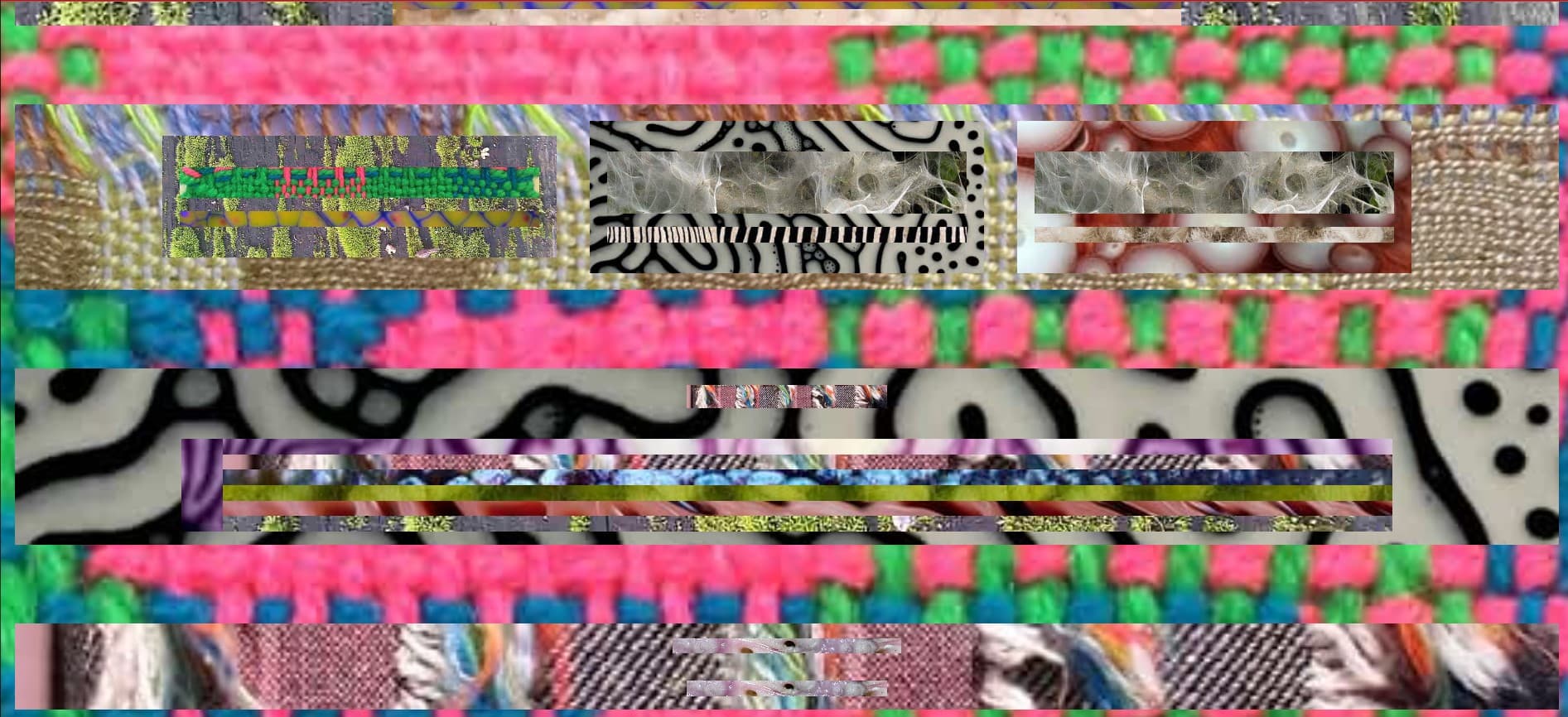
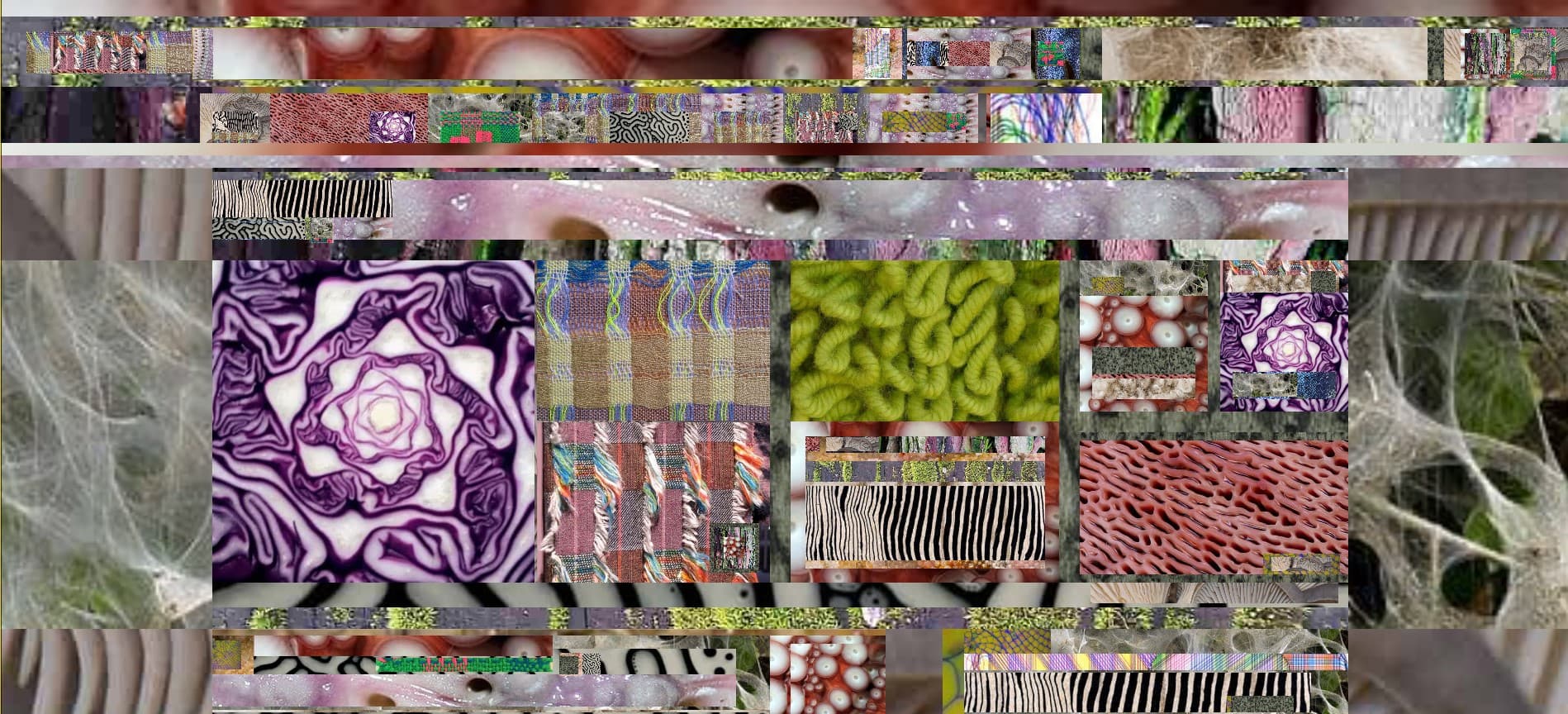
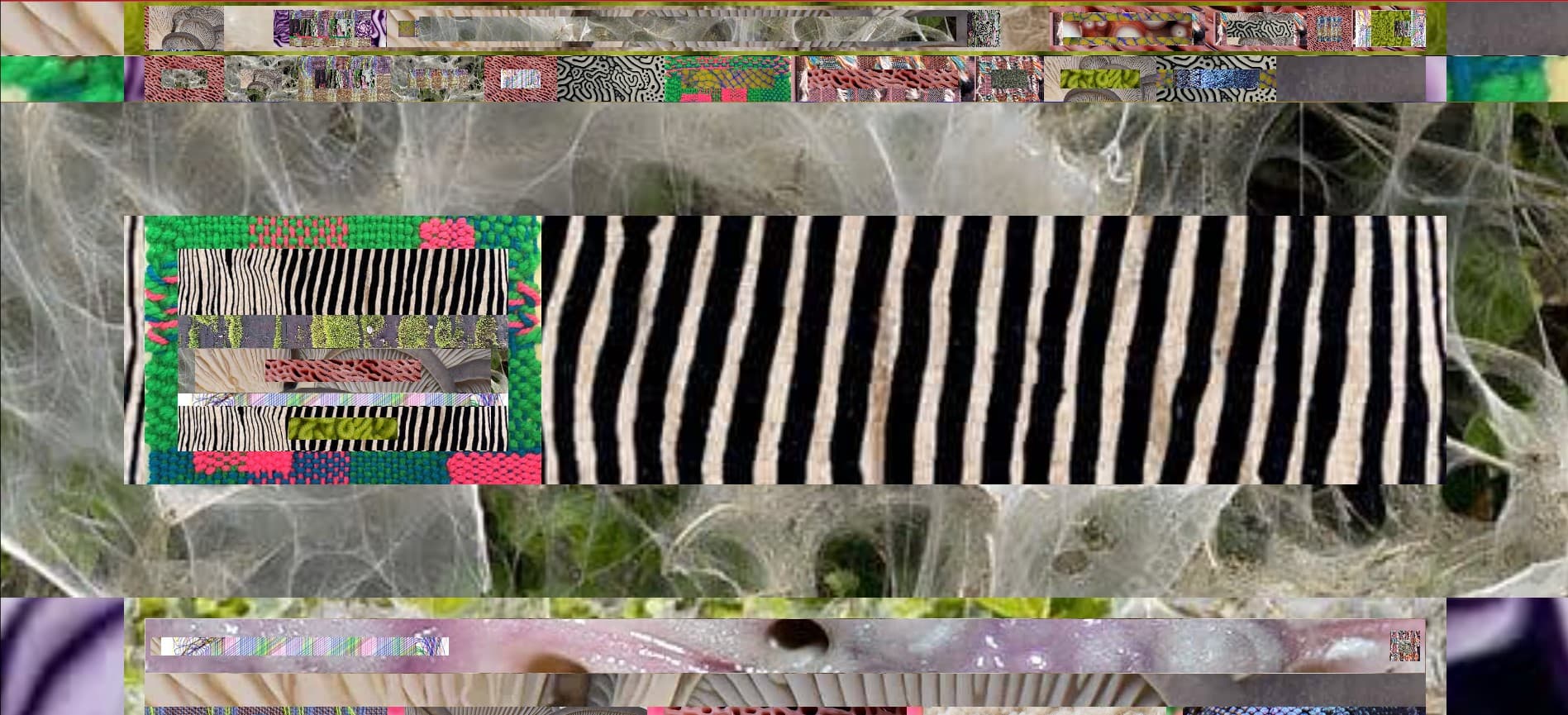
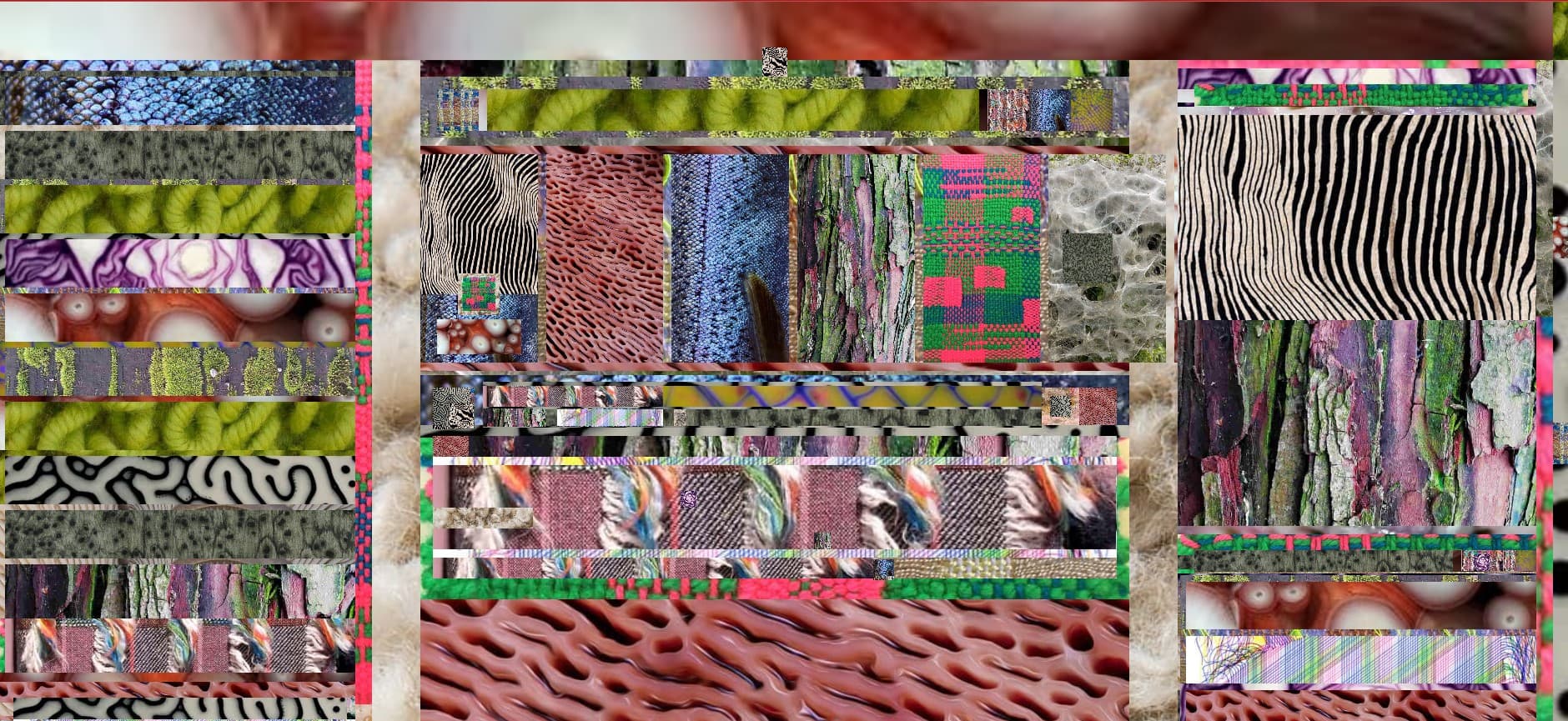
Great presentation! It makes me feel like I'm on shrooms while wanting to know more about them. Fascinating patterns! ⭐⭐⭐⭐⭐
User 1
Why did my Pinterest page turn into a collection of images... soft, weird, disgusting ones... I love the unexpected concept. ⭐⭐⭐⭐⭐
User 2
The coolest!! super chaotic but also organised in a way. ⭐⭐⭐⭐⭐
User 3
Installation guide
- Click on the big "download" button to download the zip folder. After that, upack the folder
- Go to Chrome and click on the extension sign
- Go to manage extensions and make sure you have the developer mode turned on
- In the top left corner click on "Load unpacked" and chose the unpacked folder
- The Texture Explorer extension should appear on your screen, make sure it is turned on. Now it's ready to use!(Remember to have it open in Visual Studio Code)
- Visit different websites and see what crazy patterns will be created! Check out what happens when you hover on images(Some websites take quite a long time to respond, be patient)